
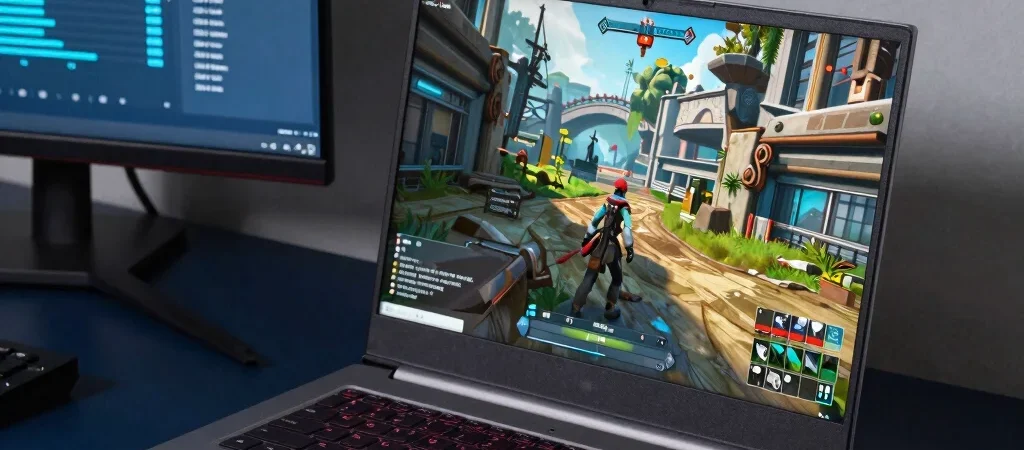
Two gaming laptops can list the same graphics chip and deliver different experiences once a demanding game is running. Cooling, power limits, screen resolution, and the laptop’s overall design all matter. The useful question isn’t “Which spec is biggest?” It’s whether the complete machine fits the games and settings you care about.
Start With Your Games
Make a short list of the games you actually play, including the most demanding one. A competitive game at a high refresh rate puts different pressure on a laptop than a cinematic release played at higher visual settings. Check each game’s current system requirements, then use those as a baseline—not as a promise of a particular frame rate.
Resolution changes the workload, too. A laptop’s native screen may ask more of its graphics hardware than an external monitor set to a lower resolution, while a high-refresh display is useful only if the game and system can make good use of it. Think about the full setup you’ll use, not just the product listing.
Read Beyond the GPU
Look for the graphics chip’s power configuration and for independent reviews that test the exact laptop model. A thin chassis may handle sustained gaming differently from a larger one, even when the listed processor and GPU names match. Reviews that report temperatures, fan noise, and performance over a longer session help reveal trade-offs a spec table can’t.
Also check memory, storage, and upgrade options before deciding. Confirm whether the installed memory meets the requirements for the games you want, and whether the storage capacity leaves room for them alongside everyday files. An extra drive slot can be more useful than a small headline spec bump if your library keeps growing.
Choose for Real Use
Compare a few laptops at the same screen resolution and in the same games, then weigh sustained performance against portability, noise, and battery expectations. Gaming on battery can behave differently from gaming while plugged in, so check reviews for both context and limitations. If we link to a laptop or accessory, that link may earn BagsOfNews a commission; our comparisons should still explain the evidence and trade-offs behind any recommendation.

- 【Powerful 1080p Gaming Performance】Powered by AMD Ryzen 5 5500 (6-Core 12-Thread, 4.2GHz Max Boost) and Equipped with NV…
- 【Reliable Daily & Streaming Setup】Equipped with 16GB DDR4 RAM for seamless multitasking, and a 512GB NVMe SSD for fast b…
- 【Customizable RGB Lighting with Software Control】Features 5 ARGB fans with user-friendly software support, letting you a…


- 【Smooth performance from AMD Ryzen 7 5700X】 This 8-core, 16-thread CPU reaches up to 4.6GHz boost clock. It easily handl…
- 【Stunning visuals with GeForce RTX 5060】 The RTX 5060 supports ray tracing and DLSS 4 for boosted frame rates. Play popu…
- 【Flexible storage with dual M.2 slots + 32GB DDR4 RAM】 It ships with a 1TB NVMe SSD for fast bootups and snappy game loa…